Your first website does not need to contain every service you might offer in five years. It needs to explain the business you operate now and help a suitable customer take the next step. A clear small site is more useful than a large one filled with claims, pages, and features you cannot support.
Before thinking about animations or a blog schedule, write down the jobs you accept, the area you serve, the people behind the business, and how enquiries will be handled. That information becomes the foundation for the page structure.
Start with five customer questions
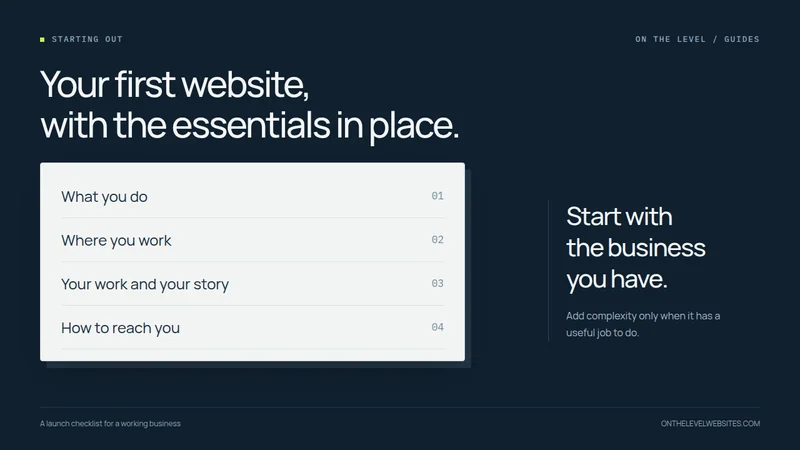
What do you do? Where do you do it? What does your work look like? Who am I dealing with? How do I contact you? A sensible first website gives those questions clear places to be answered.
For our standard build, that means a home page, services page, project gallery, about page, and contact page. You can use a different structure if the business genuinely needs it, but adding pages merely to look bigger usually creates more information to maintain without a clear purpose.
Make the home page specific
The introduction should name the kind of work and service area in plain language. “Home repairs and small improvement projects in our local service area” is a more useful starting point than a headline that could belong to any business. Replace the general wording with the actual trade and locations you serve.
Then show a small amount of evidence and a clear next step. A customer should not have to watch a long introduction before finding the service information. A short visual introduction can be part of the identity, but it should not become the gatekeeper to the business.
Write the services page around real jobs
List the work you actually want to quote. Explain enough detail for customers to recognize their project, and mention meaningful limits. If you do repairs but not full installations, say so. If certain work requires a different professional, do not imply your business provides it.
Be accurate about licensing, insurance, qualifications, and the company name. Do not copy another contractor's claims. The purpose is to help the customer understand your offering, not create the appearance of a larger business than you operate.
Use honest evidence, even when the business is new
Choose photographs you are permitted to publish and explain the work they show. A few carefully presented examples can demonstrate relevant experience without manufacturing a large portfolio. If a project was completed while working for another company, describe your involvement accurately and make sure you have permission to use the material.
If you have no suitable photographs yet, start with clear service information and build the gallery as documented projects become available. Label design concepts as examples. Do not use stock or generated photographs as if they show your own finished jobs, and do not invent reviews to fill an empty section.
Our photo guide explains how to choose images and provide context. A photograph with a useful caption can do more work than a decorative collage.
Make contact simple, then collect the details
Decide how you want customers to reach you and who responds. Publish the correct phone number and business email. A short first message can establish the project, service area, and preferred contact method. More detailed intake can follow when it is actually useful.
Avoid promises you cannot keep. If you are on jobs during the day, explain how customers can leave a message rather than advertising constant instant replies. Test forms all the way to the destination mailbox. The customer's “message sent” screen is only one part of the process.
Keep your accounts under control
Know who manages the domain, hosting, email, and any business profiles. Keep renewal and recovery arrangements accessible to the business. A new website should not leave you dependent on someone else's personal login for the address printed on your truck.
Ask your designer what files and access you will receive, when ownership transfers, and which services continue after launch. The ownership checklist makes these distinctions easier to discuss.
Build a findable foundation before adding more content
Give each important page a clear subject and a helpful title. Use real service information and descriptive internal links. Make sure the public pages are available to search engines after launch, with a sitemap describing the intended URLs. These are setup tasks, not a guarantee of a ranking position.
If the business is eligible for a Google Business Profile, keep its information complete and accurate. Google's local-ranking guidance describes relevance, distance, and prominence—not a fee that buys a particular position. Read Google's local business guidance.
A blog can be added where it answers real questions your customers have. It should support the service pages rather than distract from missing core information. Our guide to when contractor articles make sense explains that order of work.
Launch a useful site and improve from evidence
Before launch, check the spelling of the business name, service boundaries, phone and email links, images, mobile menu, enquiry delivery, HTTPS, and important URLs. Ask someone unfamiliar with the business to find a service and explain how they would request a quote.
Our standard new five-page website is $697 paid in full when the approved site goes live, with $37 monthly hosting separately. It is a starting point you can understand. Additional pages and optional work are considered when you have a reason for them—not as compulsory extras before the first site can go live.
A clear scope. A straightforward next step.
New websites $697. Redesigns $597. Nothing due up front. Standard hosting is $37 per month separately.
Let’s talk about your website